
A digital business card for a business: what it should include
Gal Sasson · Updated 20.10.2026 · 8 min read
The short answer
A digital business card for a business is one page of the business that opens on the customer's phone: links, menu, frequently asked questions, photos and a current notice at the top. It is different from a personal business card, because it is meant for customers who walk into the business, not for contacts. A good card also gives the customer a way to say what they thought, and leads them to the loyalty club.
What a digital business card for a business is
When people say "digital business card", most think of a personal card: name, role, phone and email, passed on at a meeting instead of a paper card. It is a good tool for a salesperson or an independent consultant.
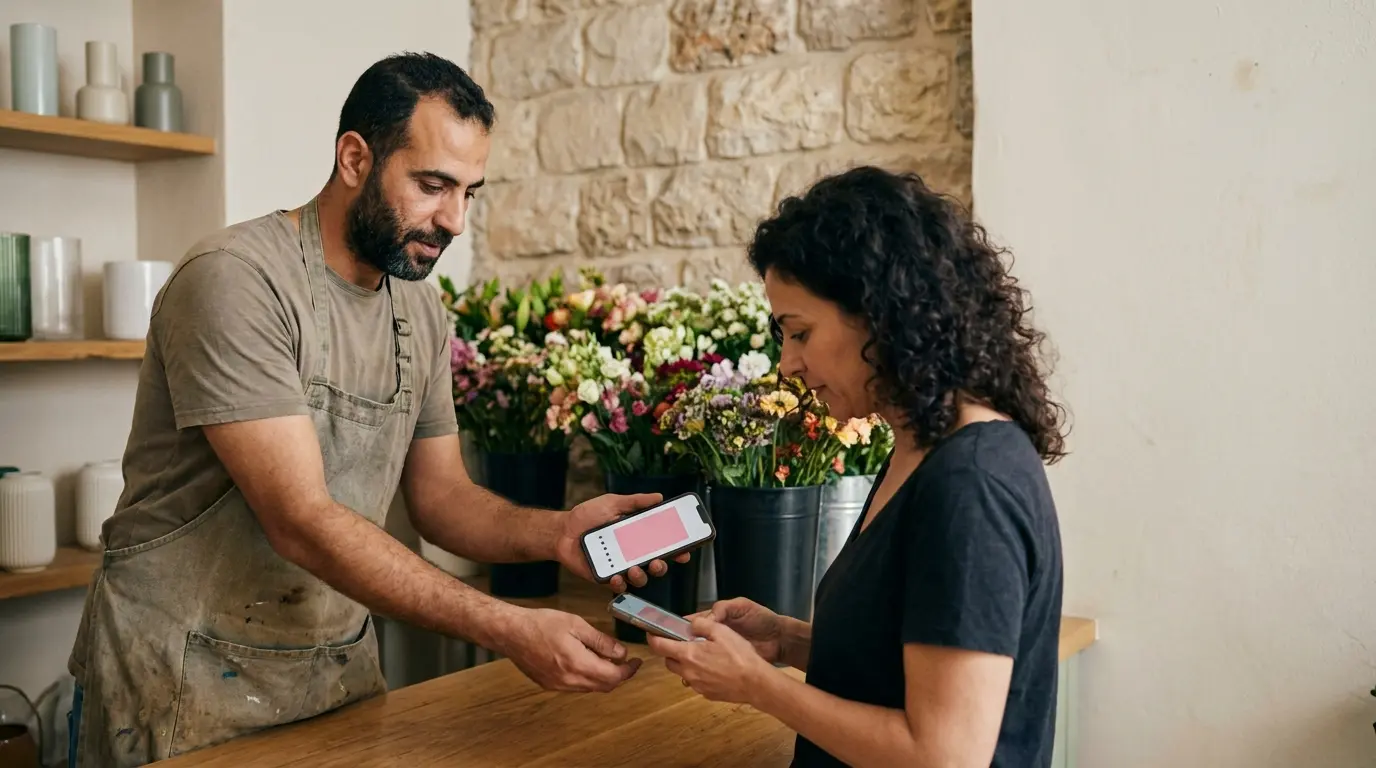
A business with a counter, like a cafe, a hair salon or a bakery, needs something else. The customer standing in line is not looking for a contact. They want to see the menu, know how late you are open, save the address and sometimes say something about the service. A digital business card for a business is the page of the business itself, not of one person.
| Personal card | Business card | |
|---|---|---|
| Who it is for | Contacts, suppliers, partners | Customers who walk into the business or pass by |
| What is on it | Name, role, phone, email | Links, menu, questions, photos, a current notice |
| How people reach it | You send a link on WhatsApp | A QR code at the register, an NFC stand, a link on social media |
| What happens next | They save a contact | They call, get directions, leave feedback, join the club |
What a business card should include
A business card answers the questions customers ask at the register, before they even ask. This is the list worth checking against:
- Links: Instagram, website, booking a table or an appointment, and anywhere else you are.
- Menu or price list: what you sell, without the customer having to ask.
- Frequently asked questions: parking, delivery, vegan options, how to book an appointment.
- Photos: the place, the dishes, your work.
- A notice at the top of the page when something changes, for example holiday hours.
- A way to say what they thought: on Google, or directly to you.
- A way to join the loyalty club, for those who come back.
In Shortip all of these are on one page, at one address. This is how the card of a fictional business looks, for example only:
The notice at the top of the card
A short notice at the top of the card, in your own words: "Closed for the holiday", "Today we open at ten", "Grandma's cookies are back". You write it in the portal, and it appears right away for everyone who opens the card.
The difference from a social media post: a customer who scans the code at the register, or saves the card on their phone, sees the notice exactly when they are looking for the information. You do not have to hope the algorithm shows it to them.
A QR code to print, and an NFC stand
The card has a QR code to print. Hang it at the register, stick it on the menu or the bag, and print it on a paper business card if you still have one. The code does not change when you update the card, so you do not need to reprint every time the menu changes.
Whoever also wants a stand on the counter can add an NFC stand: bring a phone close to the stand, and the business card or a Google review opens, depending on what you chose.
Feedback: Google, or a rating first
The card has a place for the customer to say what they thought. You choose between two ways:
- A Google button: the customer presses it and goes straight to writing a review on your Business Profile.
- A rating first: the customer rates inside the card, and then Google is offered. Google is always offered, for every rating, including a low one.
It is also forbidden to give a benefit in exchange for a Google review. The club and the reviews are two separate things, with no link at all between them.
Private messages
A customer who had something bother them can write to you directly from the card. The message reaches you, not Google, and you get a notification on your phone. For example: "The coffee was lukewarm today, a shame, it is usually excellent". A message like this lets you fix something as early as tomorrow morning.
Here too there is no filtering. The private message sits next to the offer to write on Google, and the customer chooses what suits them.
"How was it with us"
In the portal you see the ratings customers confirmed on the card: an average, and a breakdown by number of stars. This is not your Google rating, and we do not present it as one. It is a picture of what customers told you on the card.
How the card leads to the club
A business card, even the best one, is opened once. What brings a customer back is a reason to come back. So the business card has a button to join the Shortip loyalty club.
The customer presses it, types a phone number and gets a code. The club card is saved in the phone wallet, on Android and on iPhone, and updates after every visit. And inside the club card are the business details again: address, today's hours, a call button and directions.
That way the two tools complete each other. The business card tells who you are. The club card remembers who the customer is.
Common mistakes in a digital business card for a business
- Too many links. Six buttons in the same color is confusing. Keep what customers really press.
- Information that is not updated. Summer hours still showing in winter hurt trust more than hours that do not show at all.
- A QR code that is too small or in a dark spot. Hang it at eye level, near the place where people pay.
- Filtering reviews. Sending only satisfied customers to Google sounds clever, but Google forbids it.
- A card with no way to come back. A customer who liked you needs a simple way to stay in touch.
What you get with Shortip
The digital business card is part of the Shortip subscription, together with the loyalty club, the staff scanner and the portal. Gal comes to your business and sets it up with you. In short:
- One page of the business: links, menu, questions, photos.
- "Closed for the holiday" at the top of the card, in your own words.
- A QR code of the card to print.
- A Google button, or a rating first. Google is always offered for every rating.
- A customer who had something bother them can write to you directly.
- The ratings customers confirmed on the card, an average and a breakdown.
- A button to join the loyalty club.
How much it costs
The price is set in one price list, and this is today's price:
Frequently asked questions
What is the difference between a personal digital business card and a card for the business?
A personal card passes on one person's details to contacts. A card for the business is meant for customers: menu, hours, questions, photos, a current notice and a way to join the club.
Do customers need to download anything to open the card?
No. They scan a QR code or bring the phone close to an NFC stand, and the card opens in the browser.
Am I allowed to ask customers to write a Google review through the card?
Yes, you may ask all customers. It is forbidden to ask only satisfied ones, and forbidden to give a benefit in exchange for a review. So on the card, Google is offered for every rating.
Do I need to print a new code when I change the menu?
No. The code leads to the same card, and whatever you change in the portal appears on it.
Want a digital business card that leads to a loyalty club? Order on the site, and Gal will arrange the setup with you.